eReciprocate · part of Club Room
Letters of introduction, checked at the front desk.
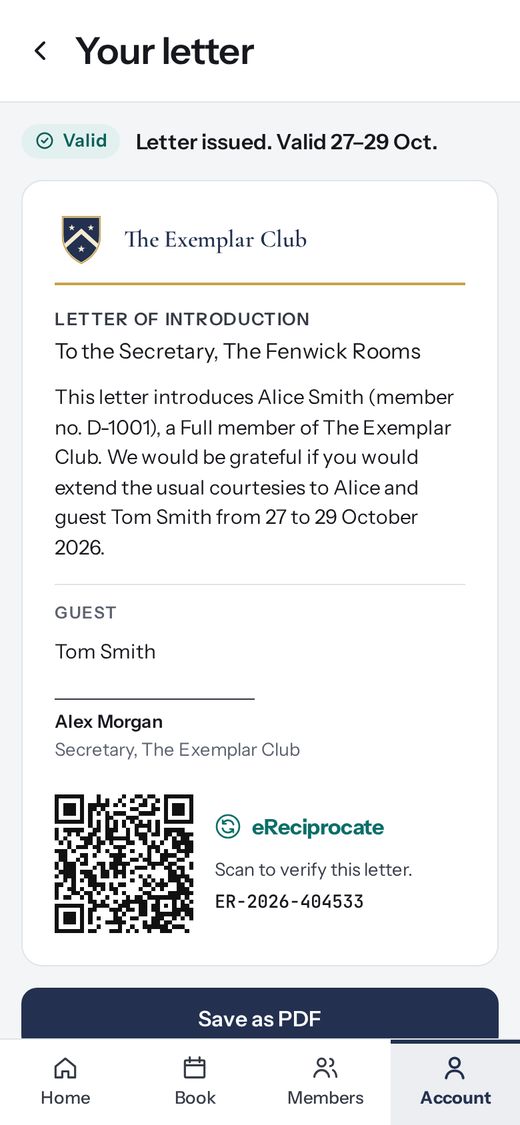
Each letter gets its own reference and QR code. Your club issues it, the member carries it on their phone, and the other club’s front desk sees at once whether it is valid.
Checking letters is free for host clubs.
How it works
One letter, from request to the front desk
The member asks
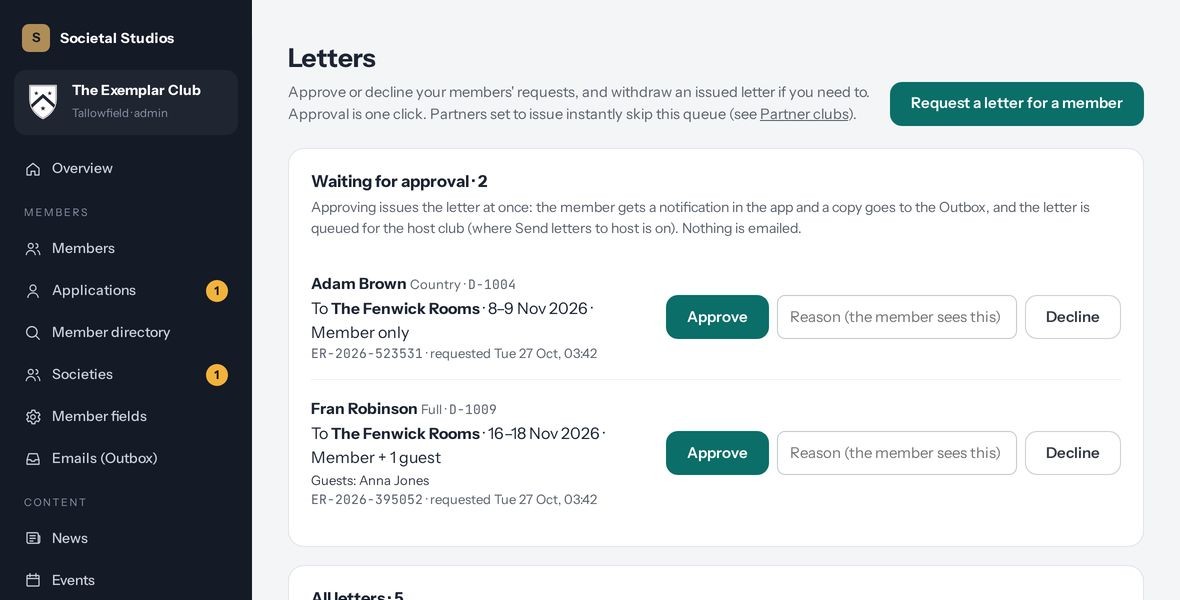
They choose the partner club, the dates and any guests in their club’s app.
Your office approves
One click. The letter is issued on your letterhead with its own reference and QR code.
The host club checks
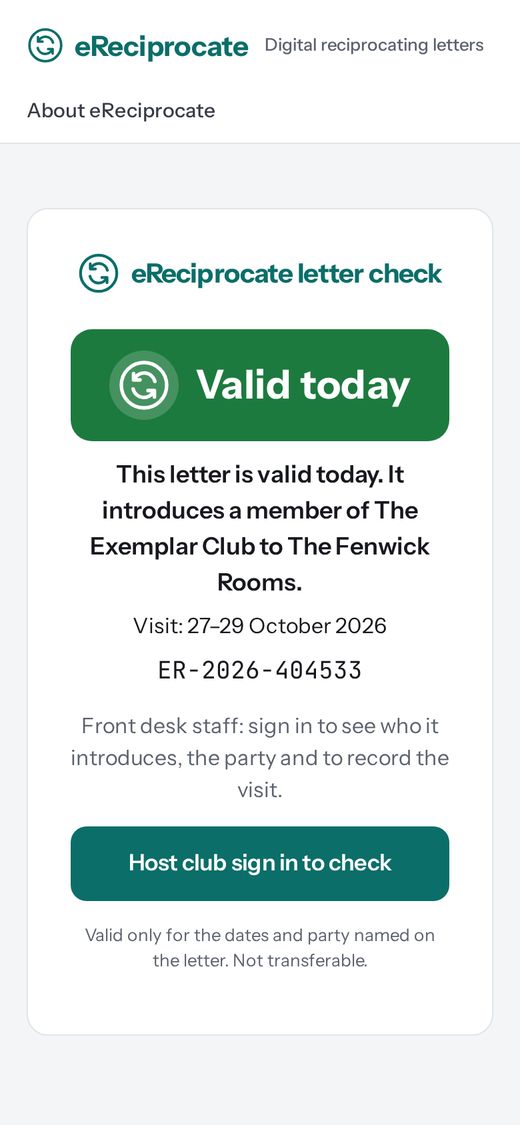
The front desk scans the code or types the reference and sees VALID or NOT VALID, with the reason.
For the host club
Checked at the door, free for the host club
Scan the QR code or type the reference, such as ER-2026-122825. For a valid letter the desk sees:
- The member’s name, number and photo
- Their home club
- The visit dates and each guest by name
Every check is logged, with a list of who is expected over the next seven days. Scanning without signing in shows only whether the letter is valid, never the member’s details.
Free for host clubs
No need to be a Societal Studios customer and nothing to install. The Secretary signs up online and adds logins for the front desk.
Sign up free as a host clubFor your office
Approved with one click
One click, or at once
Approve each request with one click, or have letters to chosen partner clubs issued at once.
Good standing only
Members who are overdue, lapsed or suspended are not issued a new letter.
On their phone
Opens without a signal, saves as a PDF or prints on A4. Withdraw it and the check shows it as withdrawn.
Partner clubs
Your partner clubs, and new ones
Your list, your rules
Visit length, guests, visits a year and notice, set for each partner if you want.
Invitations written for you
Emails to your partners are drafted for you. Nothing goes until your Secretary presses Send.
A copy for the host
Once a letter is valid, a PDF copy with the link to check it can go to the host club.
The Secretaries’ board
Post what you’re looking for, reply privately and propose new partnerships.
How your club gets it
With Club Room, or on its own
On its own
Letters only
Letters, partner clubs, the member list, the front desk and a simple members’ app.
Host clubs
Free
For clubs that only receive and check letters.
See a letter go from request to the front desk.