Club Room · for private members’ clubs
Your club, on your members’ phones.
The app your members use to book a table and keep an eye on their bar tab, and the system your office uses to run the membership and the money. In your club’s name and crest, not ours.
A demo is a short call or video call, at a time that suits you.

In your colours
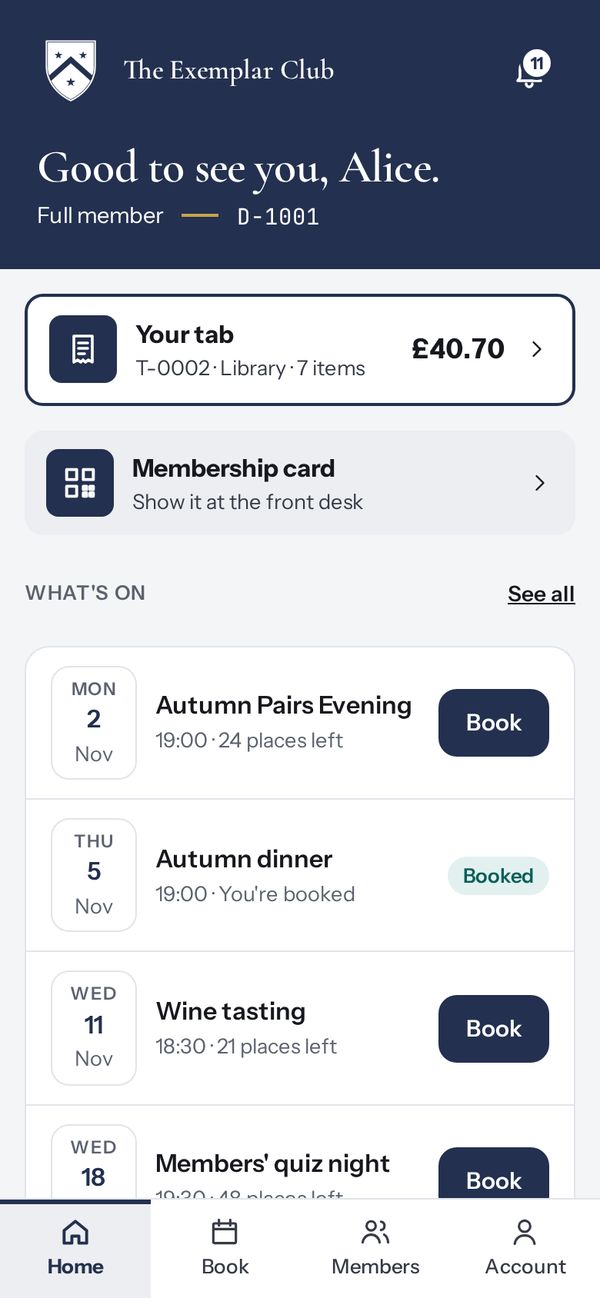
Your name. Your crest. Your colours.
Every club gets Club Room in its own name, crest and colours, so members see their own club when they open it. The Exemplar Club is one of our samples.
Send us your crestFor the Secretary and the office
What Club Room does for the office
Bookings, bar tabs, new members and the weekly email, all run from one place.
Book a demo of the office sideBookings
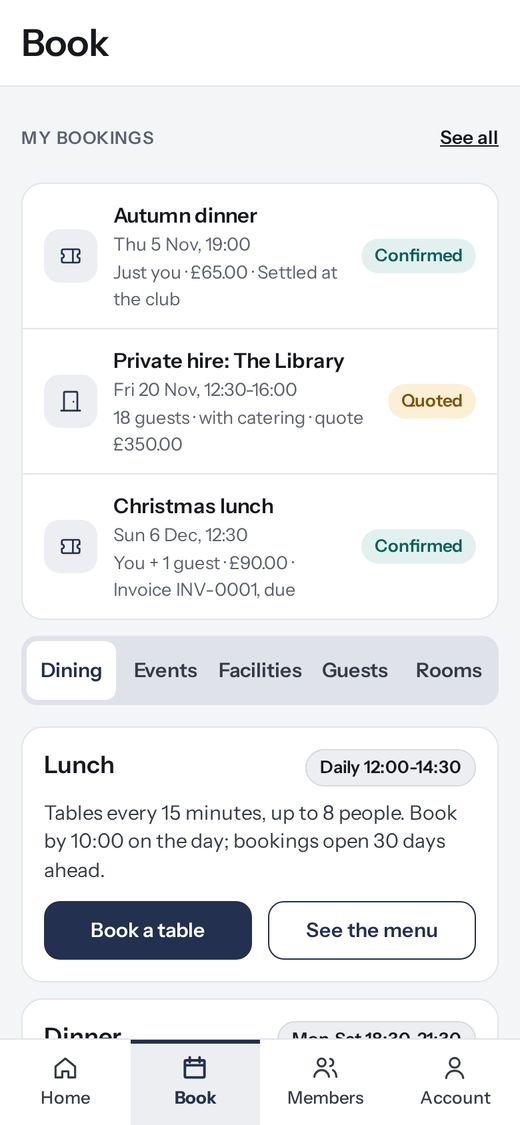
Members book tables, events, private rooms and bedrooms within the limits you set.
Bar tabs
The till posts to the member’s account. They settle on account, by invoice or by card, into your own Stripe.
New members
Application, proposer, seconder and committee approval online. One click sends the invitation.
Weekly email
Built from your news, events and menus. You check it, and it goes out on the day you choose.
Staff access
Staff see the day’s work. The money, settings and staff list stay with you.
For your members
What your members can do
In the browser on any phone, tablet or computer, or from their home screen like any other app.
Choose a screen to see it
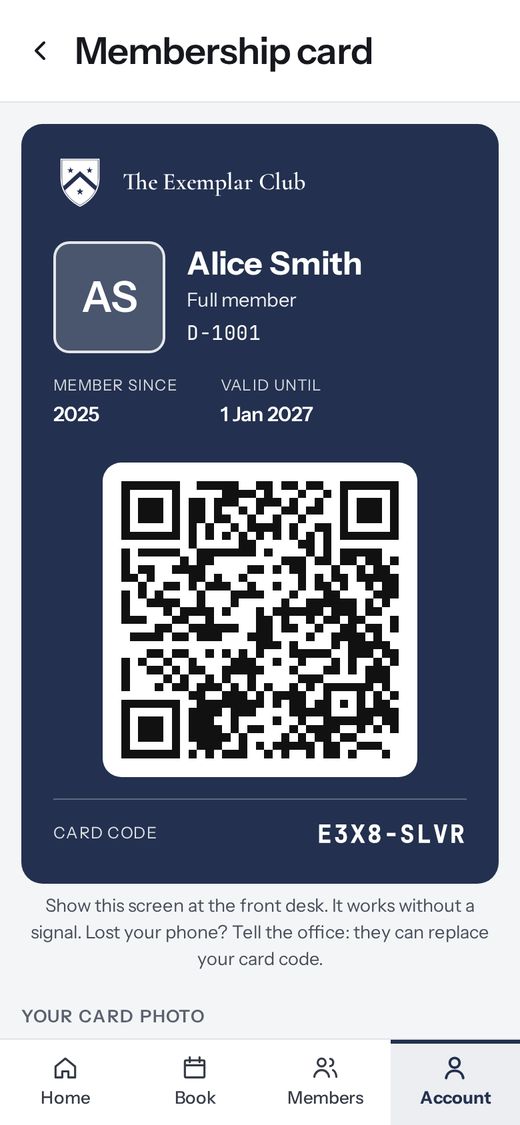
- Book tables, events, rooms and facilities
- See their tab and settle up
- Show their card at the front desk
- Register guests before they arrive
- Find members who choose to be listed
- Read news, menus and join societies
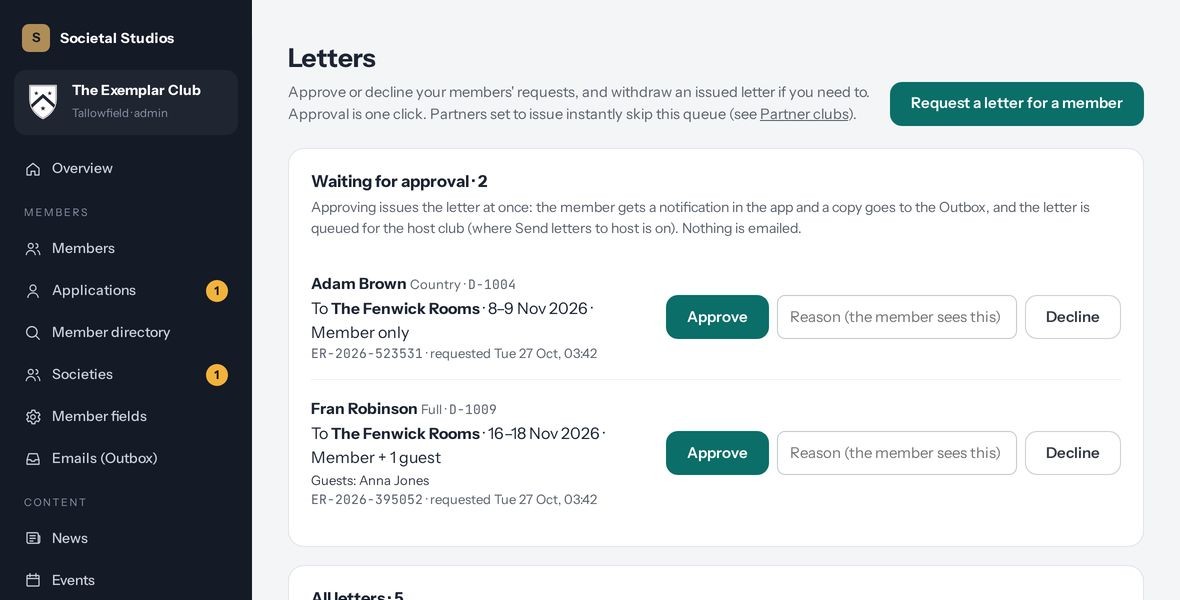
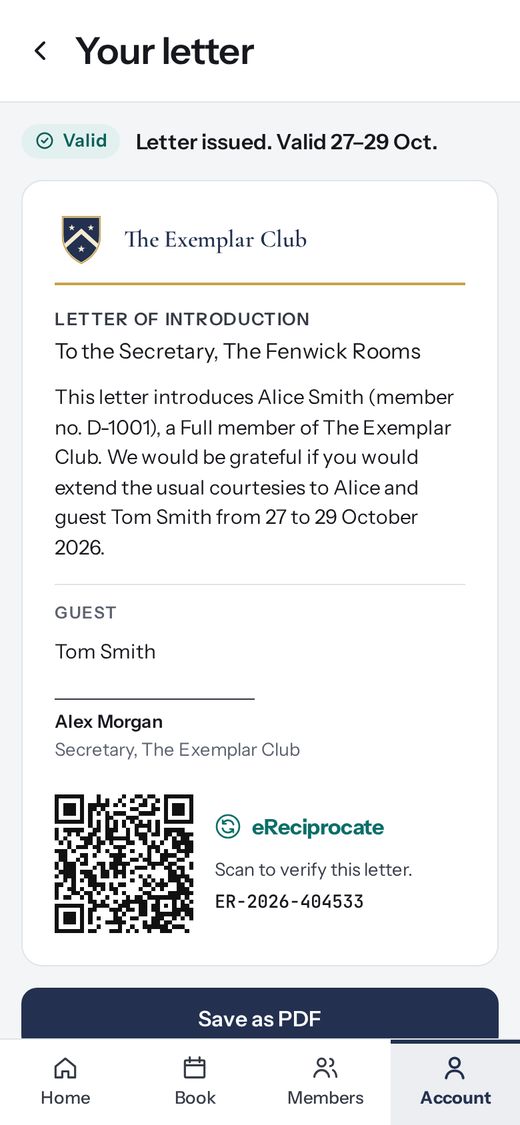
- Ask for a reciprocal club letter
- You switch each one on or off
Reciprocal clubs
Reciprocal letters, approved in one click
Checked at the other club through eReciprocate, which is free for host clubs, so your partners never pay a penny.
More about eReciprocateThe member asks
A letter of introduction, requested in Club Room.
You approve
One click. The letter goes out on your letterhead with its own reference.
The other club checks
The front desk scans it or types the reference, and sees if it’s valid that day.
Find new partners
On the Secretaries’ board, shared by clubs using Club Room and eReciprocate.
Getting started
How we start
Book a demo
A short call, with one of our sample clubs.
Book a demoSend your crest
We make Club Room as your club, with a pack for the committee.
Agree in writing
The plan and fees, agreed before any work starts.
Set up the club
We set it up with you, and members get their invitations.
Also from Societal Studios
A website and club goods, when you want them
Ask us about either when we show you Club Room.
Let us show you Club Room as your club.